Verify
Check that a certificate is unchanged.
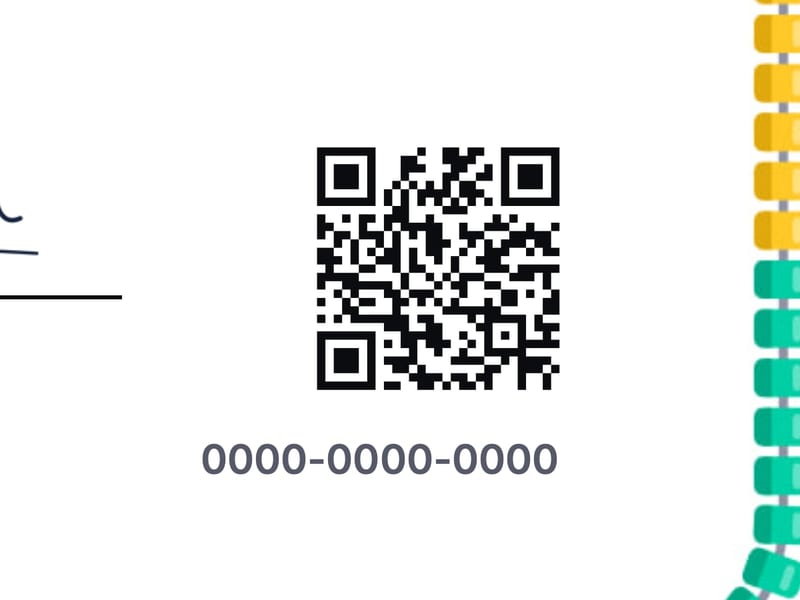
Every SwimCertificate carries a QR code and a 12-character code. Scan the QR code with a phone camera, or type the code here.
What you will see.
The same certificate
The page shows the certificate exactly as it was issued. If the one in your hand says something else, it was changed.
After 365 days
We delete the image after 365 days and keep the record. The page then says the certificate is confirmed and older than 365 days.
No account needed
Anyone with the code can check. There is nothing to install and nothing to sign up for.
What verification confirms
That a certificate was made with SwimCertificate and is unchanged since it was issued. It does not confirm that the results are official: the times, places and records are the ones the issuer uploaded or typed, not a federation’s records.
Where is the code?
Look for the QR code on the certificate. The 12 characters are printed right by it, in three groups of four.
7K3M-9QXA-2HDT
That is what a code looks like. On our sample certificates it is only a placeholder.